 blog
blog
Best App for Tracking Lifting Progress
Table of Contents
- What Makes the Best App for Tracking Lifting Progress
- How to Track Progressive Overload Effectively
- Benefits of Tracking Lifting Volume
- Simple Gym Tracker App vs. Complex Alternatives
- Ease of Use and Interface Design
- Free vs. Premium: Pricing and Subscription Models
- Data Privacy, Offline Access, and Device Integration
- Frequently Asked Questions
Last Updated: September 30, 2026
What Makes the Best App for Tracking Lifting Progress
The difference between a good workout tracker and a poor one comes down to three core elements: how quickly you can log data, whether the app shows meaningful patterns in your performance, and how cleanly it presents information without overwhelming you.
The answer isn't complexity. It's focus.
Key features to look for in a workout tracker
When evaluating any app for tracking lifting progress, the ability to log sets, reps, and weight with minimal friction is foundational, if data entry takes longer than your rest period, you'll stop using it. Look for clean visualization of your training history, straightforward progress metrics, and offline capability.
A solid tracker lets you see personal records at a glance, track training volume, and identify patterns without complex interpretation. If you're spending mental energy navigating menus instead of focusing on your lifts, the app is working against you.
Why data visualization matters
When you can see strength gains visualized through charts or tables, motivation follows naturally. Your body responds to progressive overload, but your mind needs to see the evidence.
The best visualizations avoid chart overload. You need the data that matters: are you lifting more weight, hitting more reps, or completing more total volume than last month?
How to Track Progressive Overload Effectively
Progressive overload is the foundation of strength training progress. Without intentional tracking, your gains plateau. The best apps make logging and reviewing this data nearly effortless.
Logging sets, reps, and weight consistently
Tracking lifting progress starts with consistent logging: weight used, reps achieved, and set difficulty. Consistency matters more than perfection. Missing occasional details won't destroy your data, but abandoning the habit will.
The fastest apps let you log a set in under ten seconds: pick the exercise, enter weight, tap rep count, and move on. No animations or unnecessary clicks. Your gym session shouldn't pause while you fiddle with an app.
Using RPE and RIR for training intensity
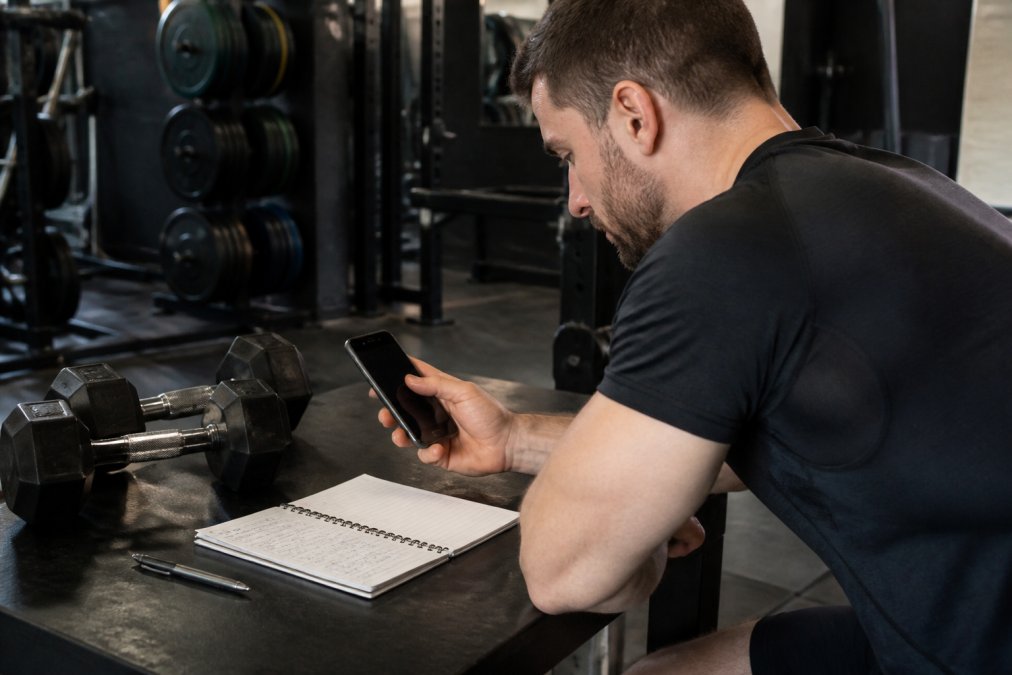
RPE (Rate of Perceived Exertion) and RIR (Reps in Reserve) add nuance to tracking. RPE uses a 1-10 scale for set difficulty; RIR shows how many reps remained before failure. These metrics reveal whether you're pushing hard enough.
A set of five reps at RPE 7 produces different adaptations than the same five reps at RPE 9.5. Tracking this distinction lets you adjust intensity intentionally rather than guessing.
Benefits of Tracking Lifting Volume
Training volume, the total weight moved across all sets, is one of the strongest predictors of muscle growth and strength gains. Apps that track volume automatically show whether your training is progressing.
Building a training history for long-term strength gains
A complete training history becomes invaluable over months and years. You can compare performance across time periods, identify which exercises drive best results, and spot plateau patterns. This prevents repeating failed programs.
A good tracker makes this historical perspective accessible, showing progression at a glance instead of requiring endless log scrolling.
Identifying patterns in your gym performance
Patterns emerge only with sufficient data. Some lifters perform better on certain days; others see best gains during specific training phases. These insights only surface when tracking systematically.
An app that visualizes patterns saves years of trial and error.
Simple Gym Tracker App vs. Complex Alternatives
The market offers two categories: minimalist trackers focused purely on logging, and comprehensive platforms that program workouts, offer nutrition guidance, connect to coaches, and track multiple variables.
Speed of data entry during workouts
Minimalist apps win on speed. A simple tracker gets out of your way: log your set and return to training. Complex alternatives require navigating multiple screens, answering questions, and confirming details, all of which pulls focus from your workout.
The difference between logging a set in five seconds versus thirty seconds compounds across a full workout. Over a year, that's hours spent in app menus instead of under the bar.
Interface design for focused logging
Clean interface design is functional necessity. When every element serves a purpose, logging becomes automatic and your brain stays on training, not on learning the app.
Complex alternatives sacrifice clarity for feature richness. More options mean more decisions, slower logging, and mental fatigue before heavy sets.
Ease of Use and Interface Design
The most sophisticated app fails if you don't use it consistently. Ease of use determines consistency. An intuitive interface means you'll log every workout; a confusing one means you'll abandon it.
Look for apps with minimal onboarding. The core workflow should be obvious within seconds. If you're confused after your first workout, the app has failed.
Start with an app that prioritizes simplicity. Add complexity only if you need it.
Free vs. Premium: Pricing and Subscription Models
Most lifting trackers follow a freemium model: core logging and basic charts are free, while advanced features sit behind a paywall. Understanding which features actually improve training saves money and prevents subscription fatigue.
What free versions typically include
Free tiers cover essentials: unlimited logging, basic set/rep/weight entry, simple charts, and personal record tracking. This is sufficient for most lifters. You can track progressive overload, build training history, and identify patterns without spending a dollar.
The catch: free versions often include ads, limit the number of custom exercises you can create, or restrict how far back you can view your training history. Some apps also limit cloud backup or sync features on free plans, forcing you to manually export data if you switch devices.
Premium features worth paying for
Not all premium features are equal. Some genuinely enhance training; others are conveniences that don't move the needle on progress.
Features that matter: Advanced analytics (volume trends, exercise-specific progression rates, periodization templates), custom workout program builders, and integration with nutrition tracking apps. If you're programming your own training or experimenting with different periodization schemes, these tools save time and provide insights that free versions can't match. Similarly, if you're tracking both gym performance and diet, a premium app that syncs with MyFitnessPal or Cronometer eliminates manual data entry across platforms.
Features that rarely justify cost: Social community features, coach messaging, or AI-generated workout recommendations. These sound valuable in marketing copy but rarely drive measurable strength gains. You can find free communities on Reddit or Discord, and a well-designed program from a reputable source (even a free template) outperforms generic AI recommendations.
Pricing reality check
Most premium subscriptions range from $5-$15 per month or $40-$100 annually. Before committing, ask: Will this feature save me time or provide insight I can't get elsewhere? If the answer is no, the free version is the right choice. If you're serious about periodization, nutrition integration, or detailed volume analytics, premium tiers typically pay for themselves through better programming decisions and fewer wasted training cycles.
A practical approach: Start with the free version. Use it for 4-8 weeks.
Data Privacy, Offline Access, and Device Integration
Your workout data reveals patterns about your body, your training philosophy, and your fitness goals. Unlike a generic fitness app, a lifting tracker builds a detailed record of your strength over months or years. Understanding how an app handles this data, and whether you can reclaim it if you leave, is as important as the features themselves.
Data ownership and export capabilities
The fundamental question: If you decide to switch apps, can you take your data with you? Many lifters don't ask this until they're locked into an app with years of training history.
Cloud storage vs. local-only data
Apps handle data storage in two ways: cloud-synced (data lives on the company's servers and syncs to your phone) or local-only (data stays on your device unless you manually back it up).
Offline functionality and real-world reliability
Gym WiFi is notoriously unreliable. An app that requires constant internet connection will fail you when you need it most, mid-workout, when your phone can't reach the network.
Wearable device compatibility and data integration
Smartwatch and fitness tracker integration can add useful context, heart rate during sets, recovery metrics between sessions, or sleep data that correlates with strength performance. However, integration is optional, not essential.
Battery efficiency during long sessions
An app that drains your battery in 45 minutes becomes unusable regardless of its features. Lightweight apps designed for focused logging consume minimal power. Apps with constant background syncing, real-time notifications, or heavy graphics drain batteries quickly.
Frequently Asked Questions
What is the best way to track my lifts for progressive overload?
Use an app that records sets, reps, and weight for each exercise consistently. Log your actual performance immediately after each set to ensure accuracy. Track RPE (rate of perceived exertion) or RIR (reps in reserve) to monitor intensity beyond just adding weight. Review your training history weekly to identify where you've increased volume or weight, which signals progressive overload. A simple gym tracker app makes this process fast enough to complete during rest periods.
Do I really need an app to track my lifting progress?
Paper logs work, but apps offer advantages that paper cannot. Apps calculate training volume automatically, sync across devices, visualize progress over months, and let you search your history instantly. They also eliminate the risk of losing your workout log. For most lifters, an app saves time and provides insights that paper cannot, making it worth the switch, especially if you've been training for more than a few months.
What features should I look for in a weightlifting tracker?
Prioritize fast data entry, clear display of personal records, and training history search. Look for RPE or RIR tracking to monitor intensity. Cloud sync is valuable if you train on multiple devices. Avoid apps with cluttered interfaces or mandatory social features, focus on apps that let you log quickly and review data clearly.
How do lifting apps help with long-term strength gains?
Lifting apps build accountability by creating a permanent record of your training. You can review what weight and reps you did weeks or months ago, making it clear when you've progressed. This visibility motivates consistency and helps you plan future workouts based on actual performance data. Apps also prevent you from accidentally repeating the same weight and reps, which stalls progress. Over time, this structured tracking turns casual gym sessions into measurable strength gains.